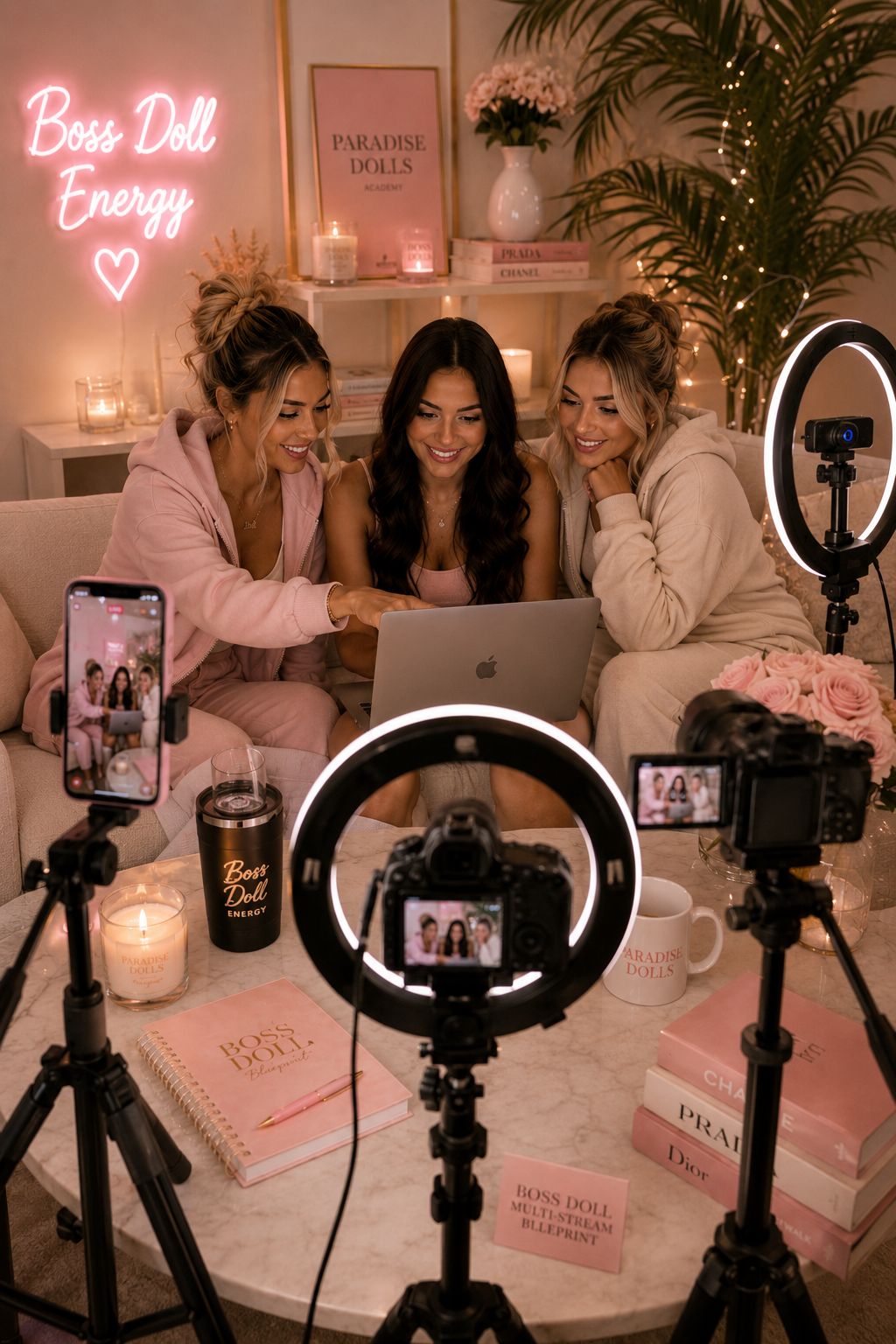
Women reviewing a private creator setup with cameras, lighting, and a laptop

Safety and privacy guide

Webcam model safety and privacy without false promises

Learn how to reduce identity, account, location, harassment, and content risks while understanding the most important truth: no public online work can guarantee complete anonymity.

Read the guide

The short answer

Webcam modelling has real digital and personal risks. Strong privacy layers, secure accounts, controlled information, clear boundaries, moderation tools, and a documented incident plan can reduce them, but not remove them entirely.

Anonymity
Never guaranteed
Best protection
Several privacy layers
Account standard
Unique passwords + 2FA
When threatened
Document and report

Start with the truth

Privacy can be strengthened, but anonymity cannot be guaranteed

Location blocks, stage names, separate accounts, and careful framing can reduce exposure. They cannot guarantee that a viewer will never record, recognise, or redistribute public content.

Make the decision using the realistic possibility that someone you know could eventually see your public work. If that risk is unacceptable, webcam modelling may not be the right option.

A strong safety plan uses several layers at once: limited personal information, secure accounts, a controlled background, clear boundaries, platform moderation tools, and a response plan for harassment or leaks.
Separate work from personal life

Create a distinct creator identity

The fewer links between creator accounts and personal accounts, the harder it is for strangers to connect your work to your private life.

  • Use a stage name Do not reuse personal usernames, nicknames, profile photographs, or biographies that already appear elsewhere online.
  • Create separate contact details Use dedicated email, phone, social, and payment contact information where legally and operationally possible.
  • Remove metadata and clues Check images, reflections, landmarks, accents, schedules, mail, certificates, and conversation details that may reveal identity or location.
  • Search your own footprint Review what a stranger can find from your creator name, images, and public profile before publishing more information.

Protect every login

Secure platform, email, payment, and social accounts

The email account connected to your creator work is often the key to everything else, so protect it as carefully as the platform account itself.

  • Use a password manager and a different strong password for every service.
  • Enable two-factor authentication with an authenticator app or security key where available.
  • Never send passwords, one-time codes, recovery keys, or full identity documents through casual messages.
  • Review active sessions and connected apps regularly, especially after using a shared device.
  • Verify support messages inside the official platform before opening links or sharing information.

Safety while live

Set boundaries before viewers test them

Clear limits are easier to enforce when they are decided in advance and supported by moderation tools.

  • Define non-negotiables Write down prohibited topics, requests, off-platform contact, meetings, and personal questions before your first session.
  • Use moderation immediately Block, mute, and report users who threaten, harass, manipulate, or repeatedly ignore a stated limit.
  • Keep payments on approved systems Off-platform payment requests can create fraud, privacy, and account-compliance risks.
  • Have an emergency stop Know how to end the stream, cover the camera, disconnect audio, save evidence, and contact support quickly.

If something goes wrong

Preserve evidence and escalate the right way

A calm documented response is more useful than negotiating with an abusive viewer or paying someone who claims they can remove content.

  • Capture usernames, URLs, dates, messages, screenshots, and platform report references.
  • Report the user or content through the relevant platform and notify agency support if you have it.
  • Change compromised credentials, revoke active sessions, and secure the connected email account.
  • Contact local law enforcement or a qualified legal professional for credible threats, stalking, blackmail, or unlawful distribution.

Frequently asked questions

Clear answers before you make a decision

Is webcam modelling safe?

It has real privacy, harassment, fraud, recording, and digital-footprint risks. Those risks can be reduced with secure accounts, controlled personal information, clear boundaries, moderation, and trustworthy support, but they cannot be eliminated.

Can webcam models work without showing their face?

Some platforms or formats may permit limited face visibility, but identity verification is still required and anonymity is never guaranteed. Models should check platform rules and understand that restricted visibility may affect audience growth.

Do location blocks guarantee privacy?

No. Geo-blocking can reduce access from selected areas but may be bypassed and cannot prevent recording or recognition. Use it as one layer, not as a promise of anonymity.

What should I do if someone threatens to expose me?

Do not pay or negotiate. Preserve evidence, block and report the account, secure your logins, notify trusted support, and contact local police or qualified legal help when the threat is credible.

Should webcam models use personal social media?

Using separate creator accounts is safer. Reusing personal names, images, usernames, contacts, or follower networks can make identity matching much easier.

Ready for the next step?

Decide whether Paradise Dolls is right for you

Applications are private, reviewed individually, and open only to adults aged 18 or older. Applying does not guarantee acceptance or earnings.